Preference
AnimLib's preferences allow you to customize feature display and panel location.
How to Access:
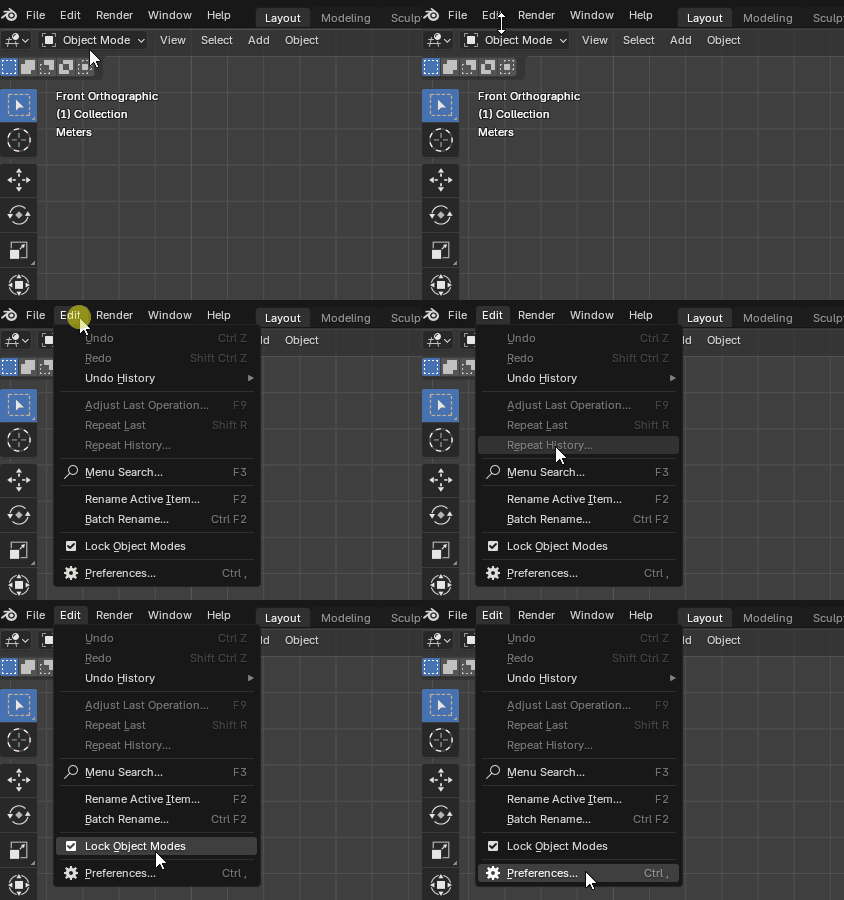
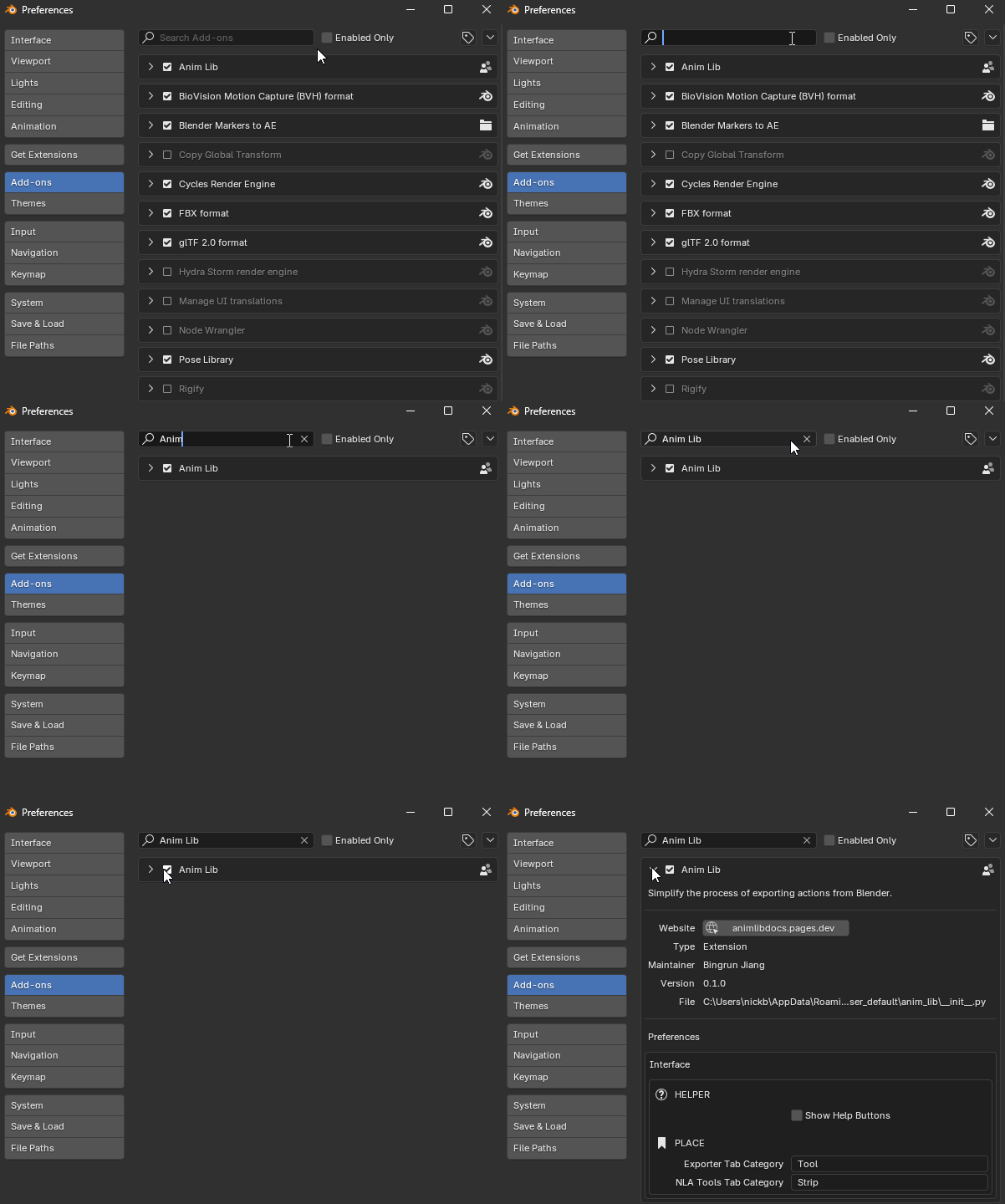
Edit → Preferences... → Add-ons → Search for "AnimLib" → Expand addon panel
Note
- Preference settings are global and affect all Blender projects
- If the tab name you set matches another addon, panels will be merged and displayed in the same tab
Interface
Interface-related preference settings.
HELPER
Helper-related feature settings.
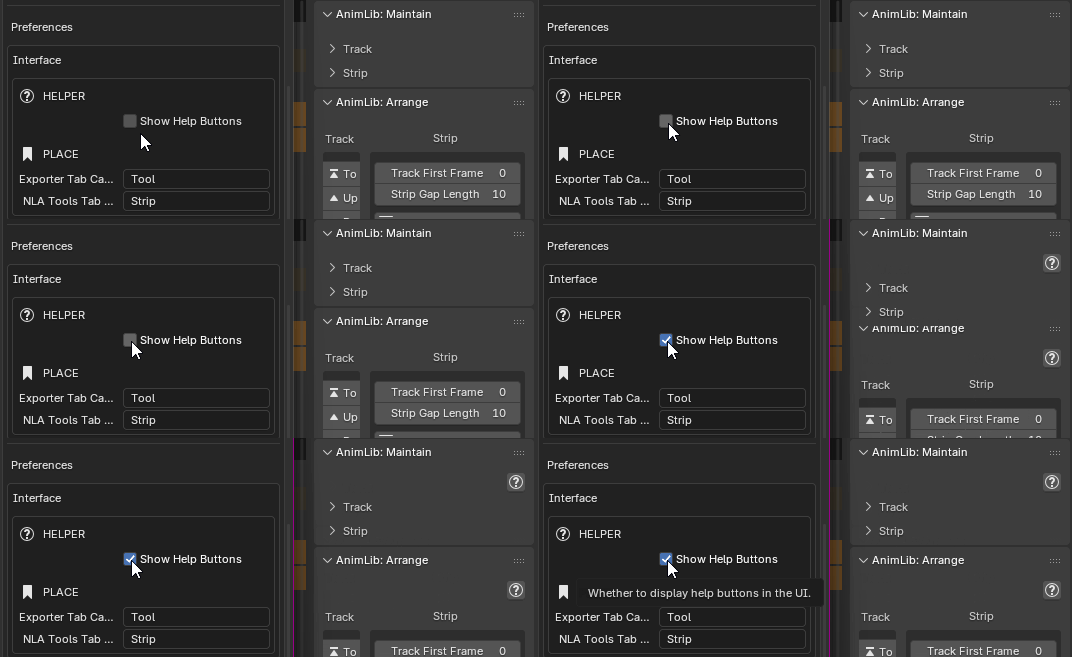
Show Help Buttons
Whether to show help buttons in all AnimLib panels. Enable this if you're a new user or need quick access to feature descriptions
PLACE
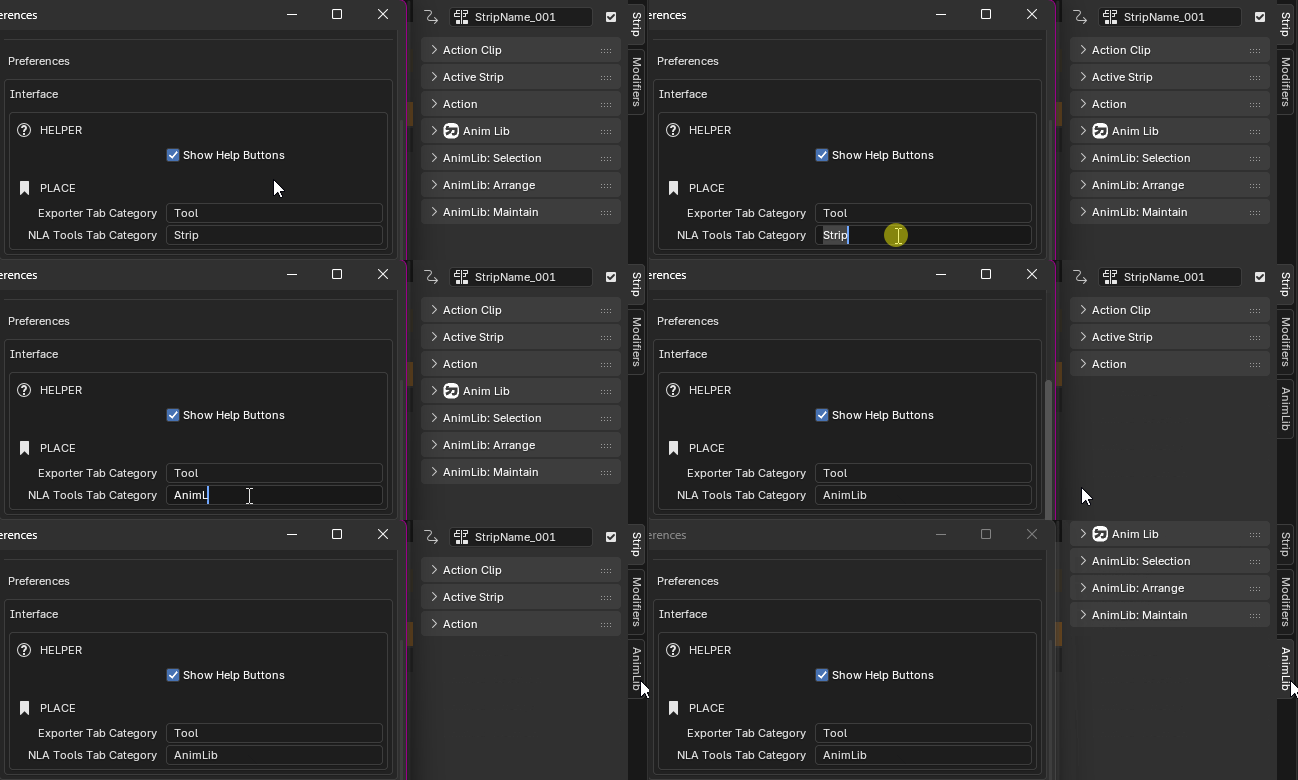
Customize the display tab for AnimLib panels in the sidebar (N-Panel).
Exporter Tab Category
Set the tab name for the Exporter panel. Default is Tool Tab in 3D View sidebar (N key)
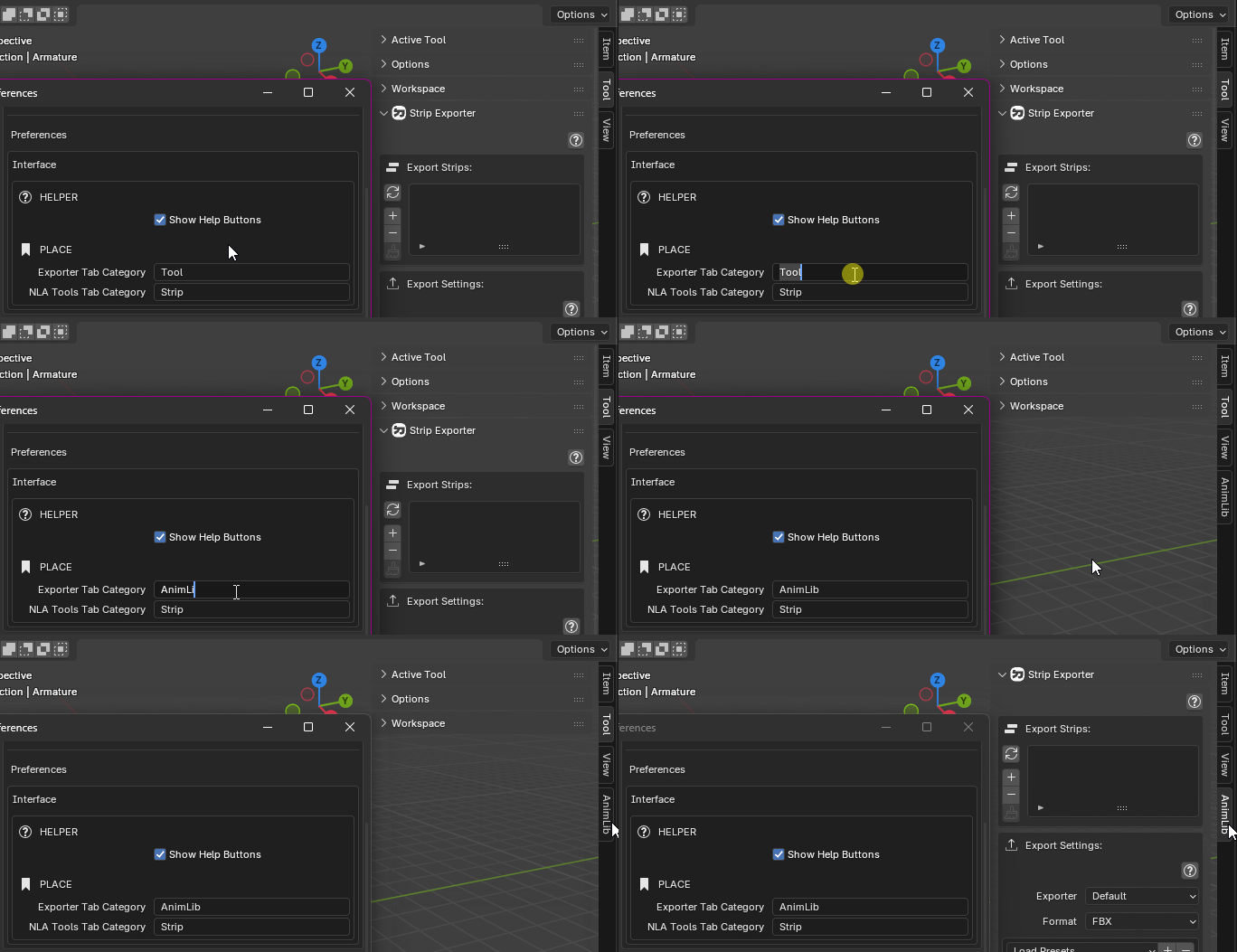
NLA Tools Tab Category
Set the tab name for the NLA Tools panel. Default is Strip Tab in NLA Editor sidebar (N key)